Lesson 2 of 8
Before you start
What you need, and choosing between Claude and Codex.
This course requires three things. That's it.
| Item | Notes |
|---|---|
| A Mac | Running macOS 13 (Ventura) or later. Apple Silicon (M1–M4) recommended. Intel Macs supported. |
| An AI coding account | Either an Anthropic account (for Claude Code / Claude Desktop) or an OpenAI account (for Codex CLI / Codex Desktop). Details below. |
| About 1–2 hours | Most of that is waiting for things to download. Plan for longer if something goes wrong. |
You do not need to understand any of the tools you're about to install. The AI will use them on your behalf.
Check your macOS version
Click the Apple menu (top-left corner of your screen) → About This Mac. You'll see your macOS version listed. If it says Ventura, Sonoma, Sequoia, or newer — you're good.
If you're on an older version, update via System Settings → General → Software Update before continuing.
Choose your coding CLI
You'll install one of these. Both can do everything this course covers. Pick the one whose pricing and ecosystem suits you — you can switch later, or install both.
Option A — Claude Code (Anthropic)
- Strengths: Excellent at planning and long, complex refactors. Plan Mode is built in. Strong default judgement.
- Pricing: Works with a Claude Pro ($20/month) or Max subscription on claude.ai, or pay-as-you-go API credits at console.anthropic.com. A typical setup session on API credits costs under $1.
- Best if: You already pay for Claude, or you prefer Anthropic's writing style.
Option B — Codex CLI (OpenAI)
- Strengths: Fast, cheap to run for small tasks, strong at narrow code edits. Tight integration with the broader ChatGPT / Codex ecosystem.
- Pricing: Included with ChatGPT Plus, Pro, Business, Edu, or Enterprise (sign in with your ChatGPT account). Pay-as-you-go API credits also work via platform.openai.com.
- Best if: You already pay for ChatGPT, or you want to use Codex Desktop (covered later) on the same account.
Not sure? If you already pay for one of the two services, use that. If you pay for neither, Claude Pro is the most beginner-friendly starting point because Plan Mode and the planning model produce very readable, easy-to-review work.
Choose your desktop chat app (optional, for later)
You don't need this to finish the course, but in Lesson 8 you'll see why a desktop chat app is a useful complement to the CLI. The two options:
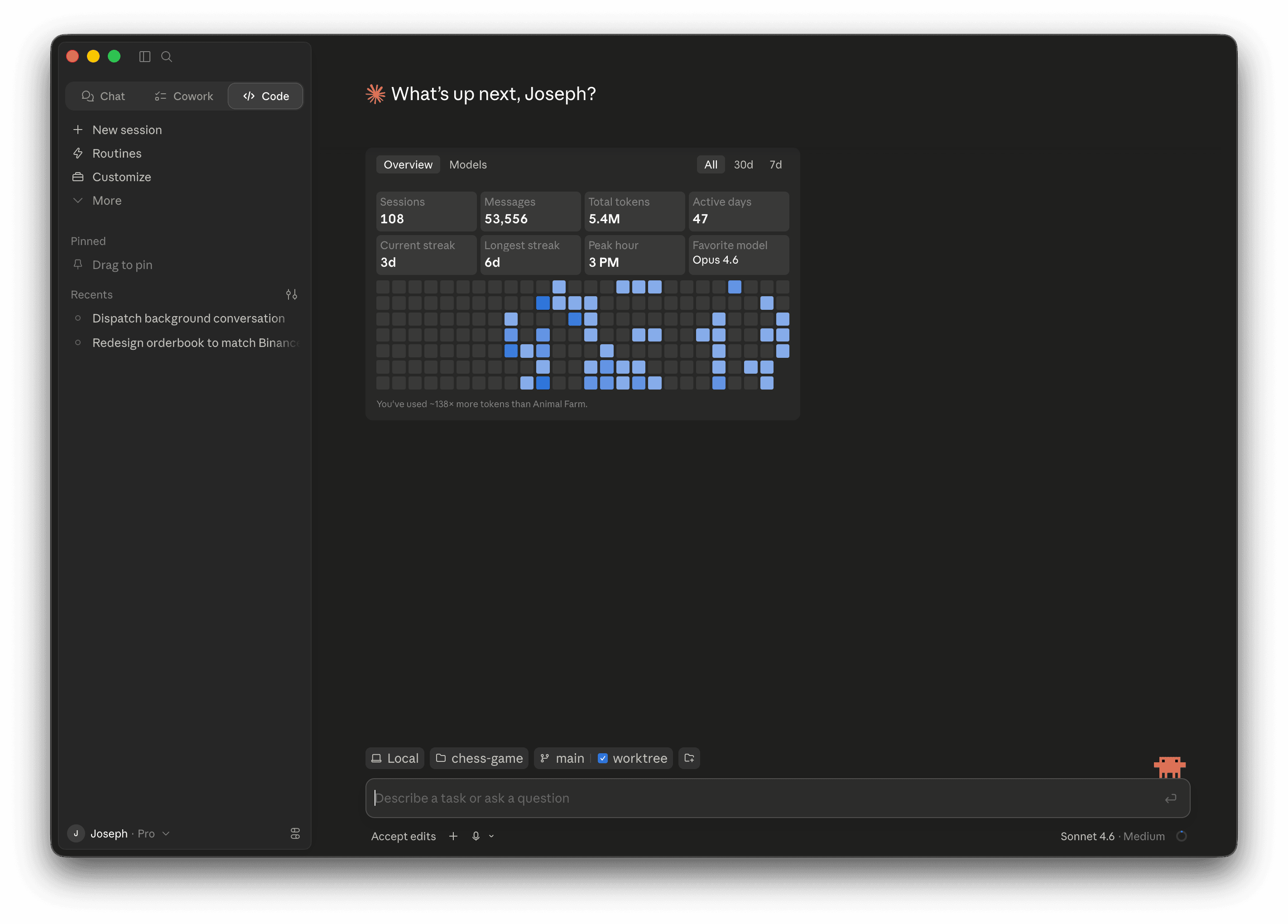
Claude Desktop
- A chat version of Claude that accepts screenshots and PDFs. Drag a screenshot of your app into the chat and say "make this look more professional."
- Download from claude.ai/download.
- Same Anthropic account as Claude Code.
Codex Desktop
- OpenAI's dedicated desktop app for working with Codex agents. Multitasks across projects with built-in git worktrees and a built-in terminal.
- Download from developers.openai.com/codex/app.
- Included with ChatGPT Plus, Pro, Business, Edu, Enterprise plans.
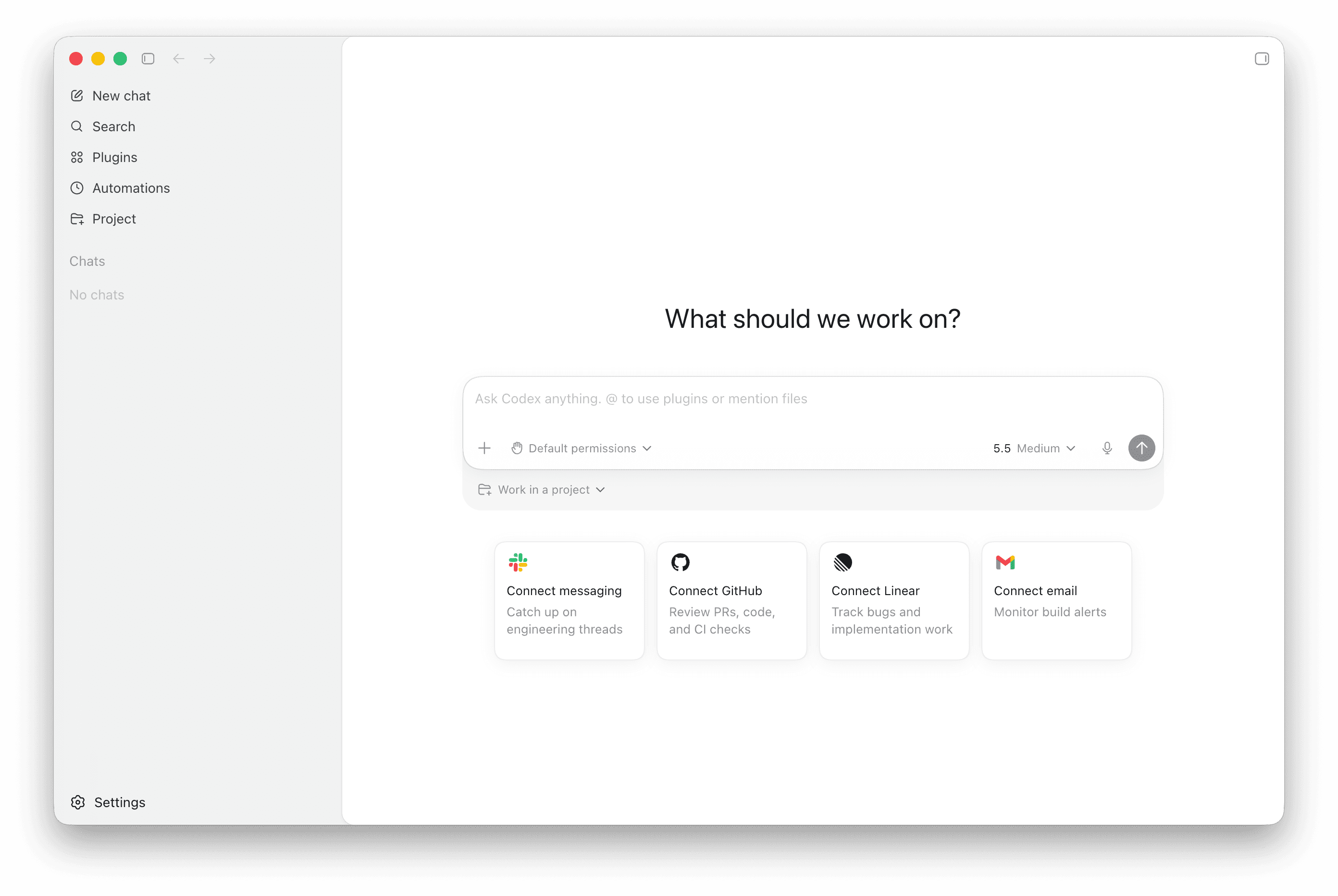
Pick the desktop app that matches your CLI. Sticking to one ecosystem (both Anthropic, or both OpenAI) keeps billing and login simpler. You can install the other later if curious.
That's all you need
No prior terminal experience. No installed developer tools. No existing accounts with GitHub, Homebrew, or anything else.
The next lesson walks you through opening Terminal for the first time.